

 Sep 2025
 View Summary


 Sep 2025
 View Summary


 Sep 2025
 View Summary


The Receipt Scanner
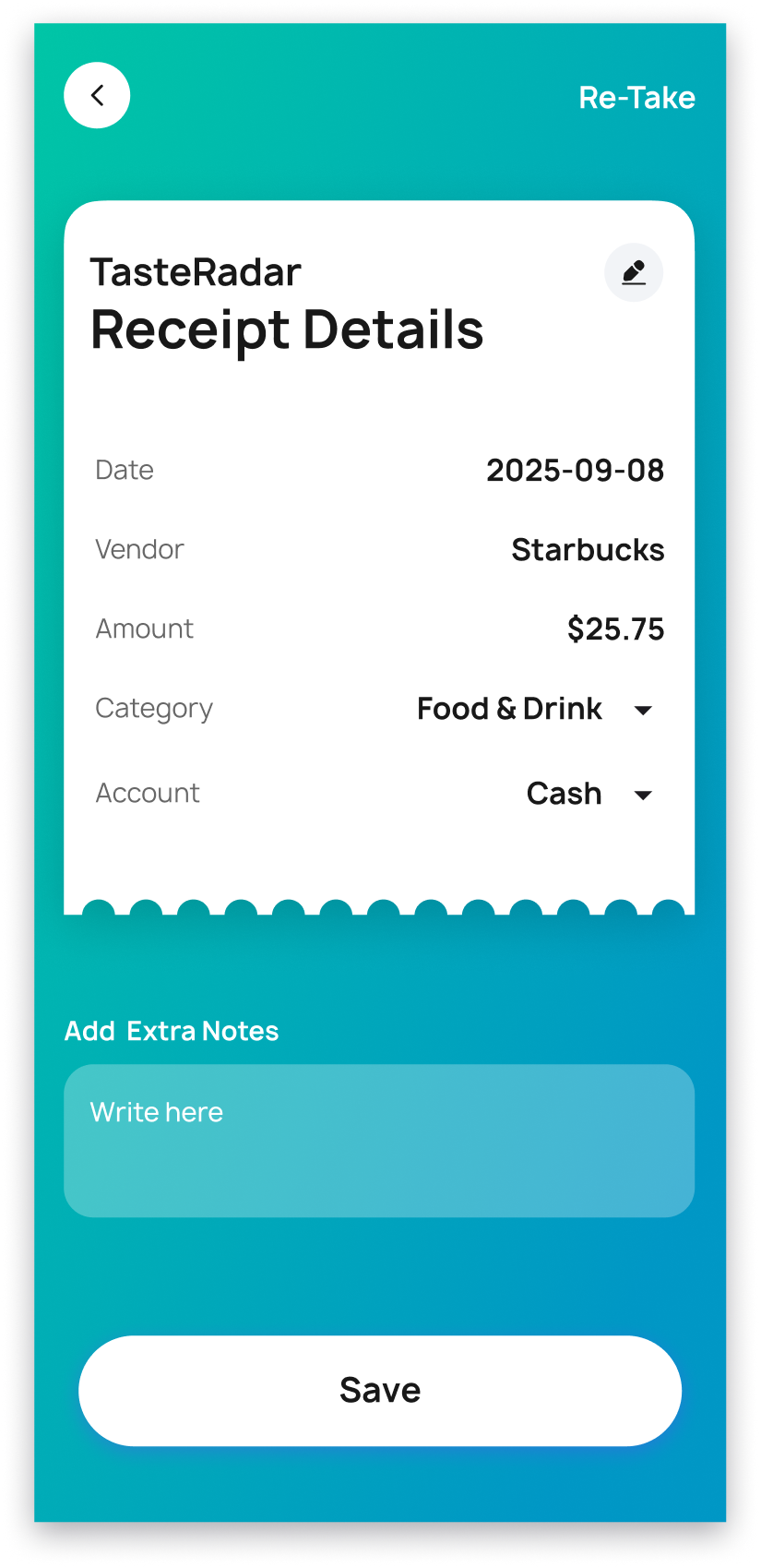
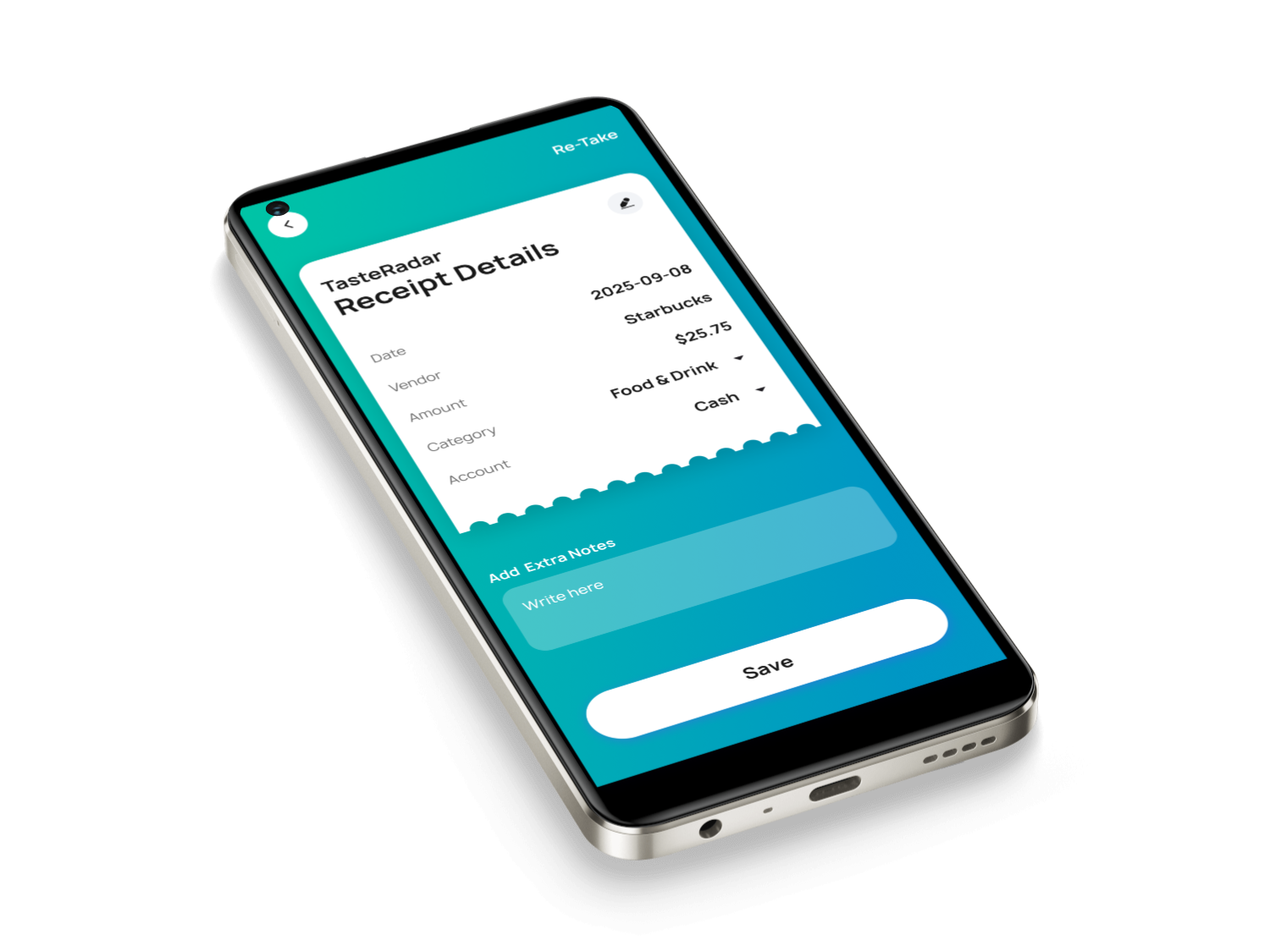
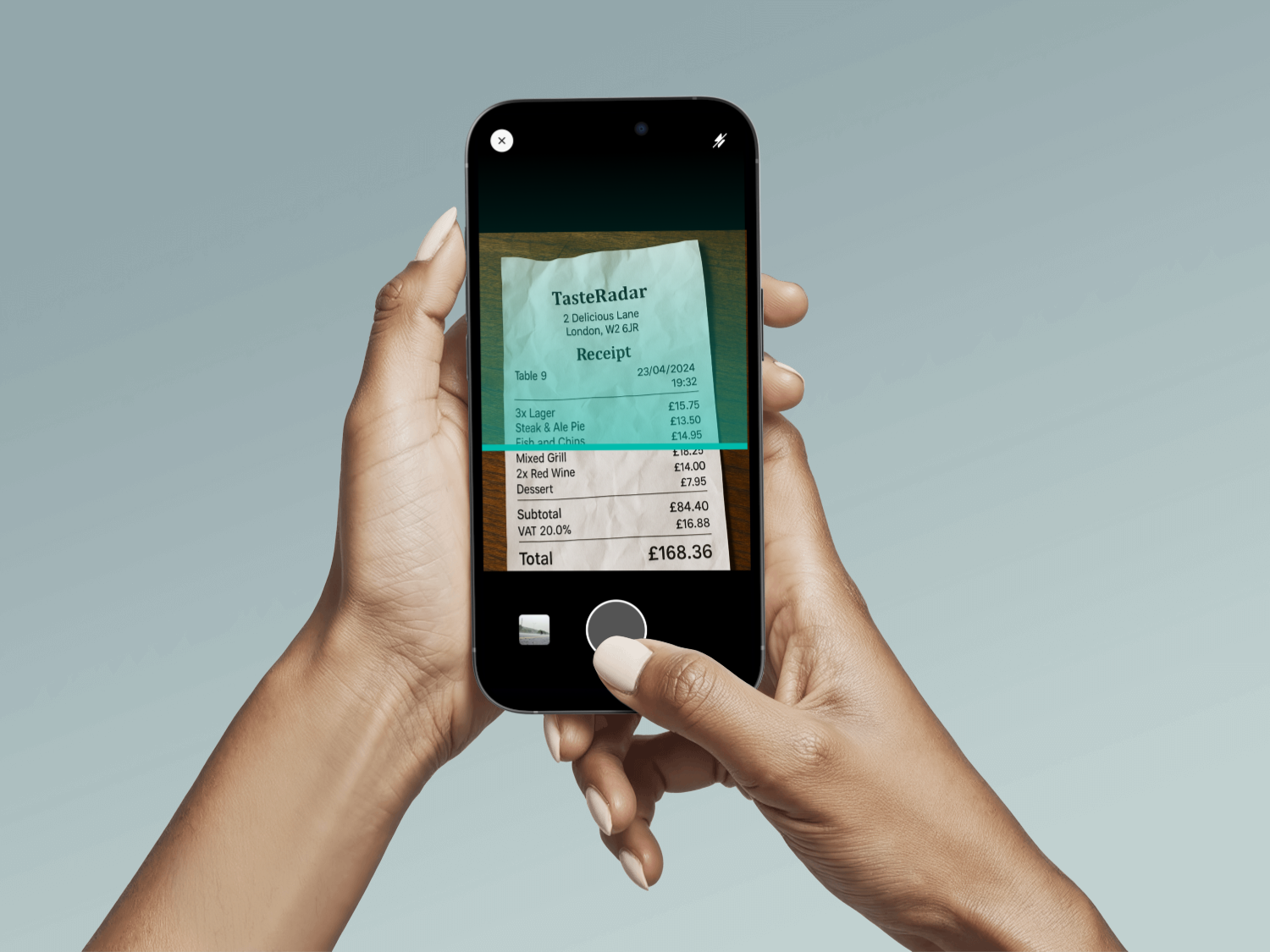
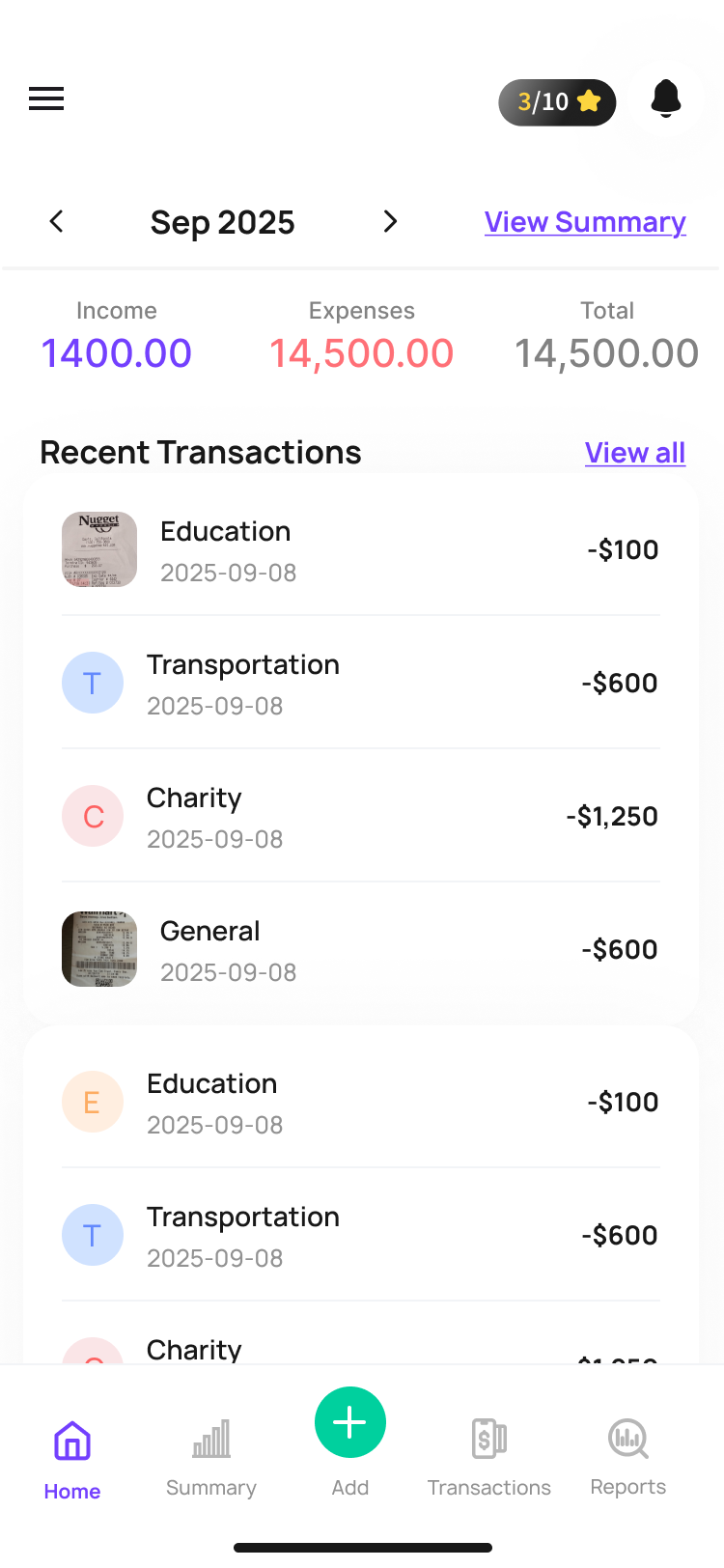
Track Expense app is a mobile tool that simplifies expense tracking and receipt management by converting paper receipts into digital records and organizing personal or business expenses in one place. Users can scan receipts using OCR (Optical Character Recognition) to automatically extract key details like date, vendor, and amount — eliminating manual entry, organizing receipts safely, and offering summaries of expenses for better financial control.
Target Users
Freelancers & self-employed professionals
Small business owners
Anyone who wants better personal finance tracking

Purpose:
To help both individuals and small business users easily manage receipts, record expenses, and track budgets without losing paperwork.
The Challenge or Problem Statement
Managing receipts and expenses traditionally involves paper clutter, time-consuming manual entry, and the risk of lost documents. Users often struggle with:
- Lost or damaged receipts that are needed for reimbursements or tax reporting.
- Tedious manual entry into spreadsheets or finance systems.
- Lack of organized expense visibility, making budgeting difficult.
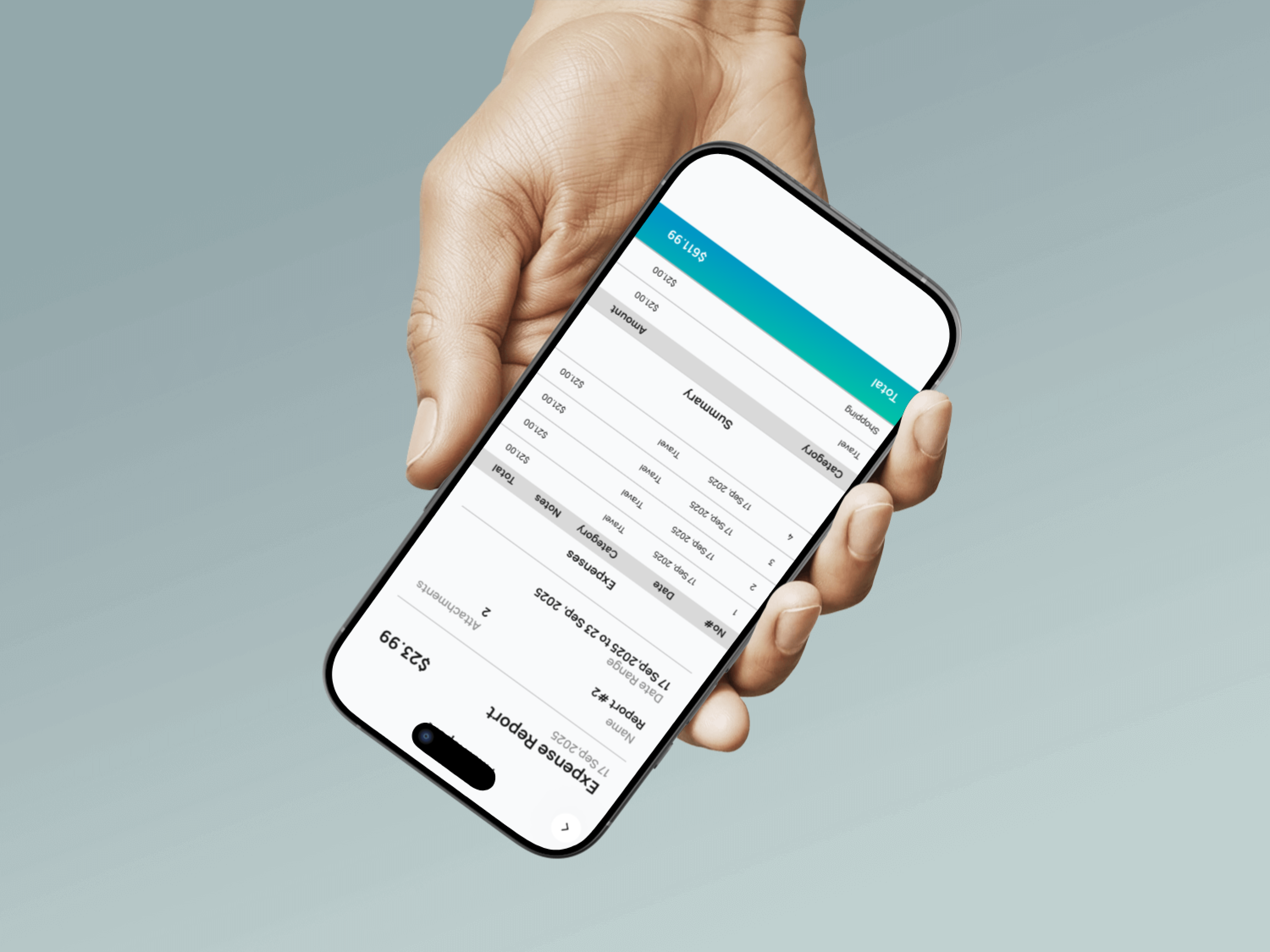
- Slow reporting when preparing summaries or expense reports for accounting.
Solution & Key Features
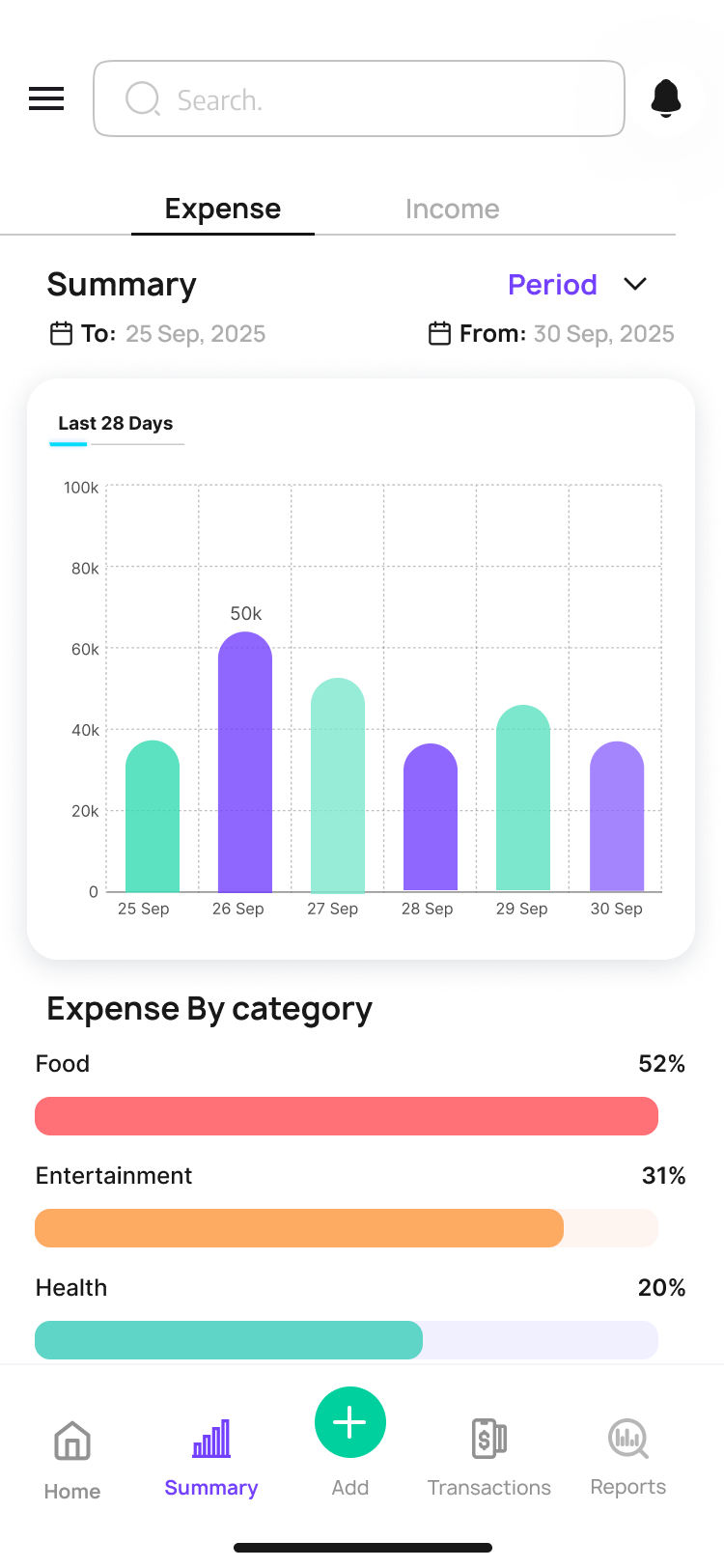
This app addresses those problems with a set of intuitive, value-driven solutions that improve financial efficiency and user experience. At its core, the app digitizes receipts and organizes them into manageable expense records, transforming static paper receipts into searchable digital data to help users understand, categorize, and manage spending.
Concepts, Sketching, Wireframes
The design process began with translating user problems into clear product concepts. The primary focus was to minimize effort, reduce cognitive load, and speed up expense tracking while keeping the experience intuitive for first-time users.
Concept Exploration
Early concepts centered around three core ideas:
- One-tap receipt capture to reduce friction at the point of entry
- Automated data extraction to eliminate manual typing
- Clear expense visibility through simple lists and summaries